Scheduled reports from portals and dashboards
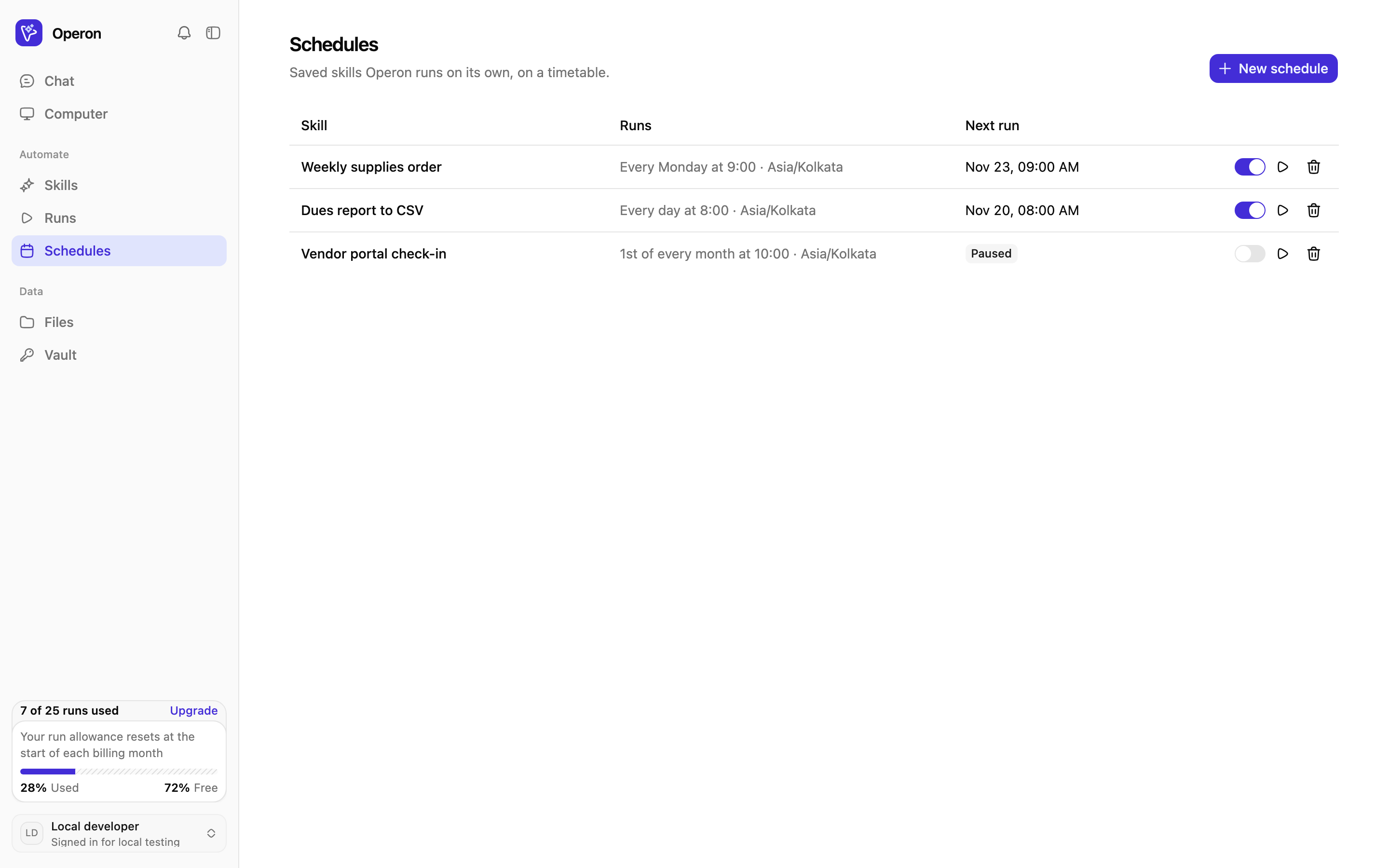
Turn a portal report you pull every week into a saved skill on a schedule. Operon opens the dashboard, reads the numbers and saves a CSV, and emails you when it is done.
The problem
Weekly and monthly reporting often starts with someone logging in to three portals, reading numbers off dashboards and pasting them into a sheet. It is the same clicks every time, and it is easy to forget.
How Operon does it
Scheduled replays follow saved steps, so they cost far less than a run that needs the AI throughout.
You see every step
Runs stream into your chat with the AI cursor showing what Operon is about to click or type. Take over at any moment, then hand back.
- Live view in chat or full screen
- Step-by-step record after every run
- An email when it finishes, fails or needs you
Related reading
Related jobs Operon handles
Repetitive browser work, with you in control of anything final.
Hand off your first job today
Sign up, describe a browser job you do every week, and watch Operon do it. Save it as a skill when it works.