Enter leads and records into a CRM or back office
Give Operon a sheet of leads or the text of an email and it types each record into your CRM, helpdesk or back-office web app, field by field, and tells you which rows it skipped.
The problem
Leads from events, enquiries from email and orders from partners arrive as spreadsheets and messages, but the CRM or back-office tool has no import that fits. Someone re-keys every record by hand, and typos creep in.
How Operon does it
Repeat it
Once a run works, save it as a skill. Next time, upload the new sheet and replay it with the new rows.
You see every step
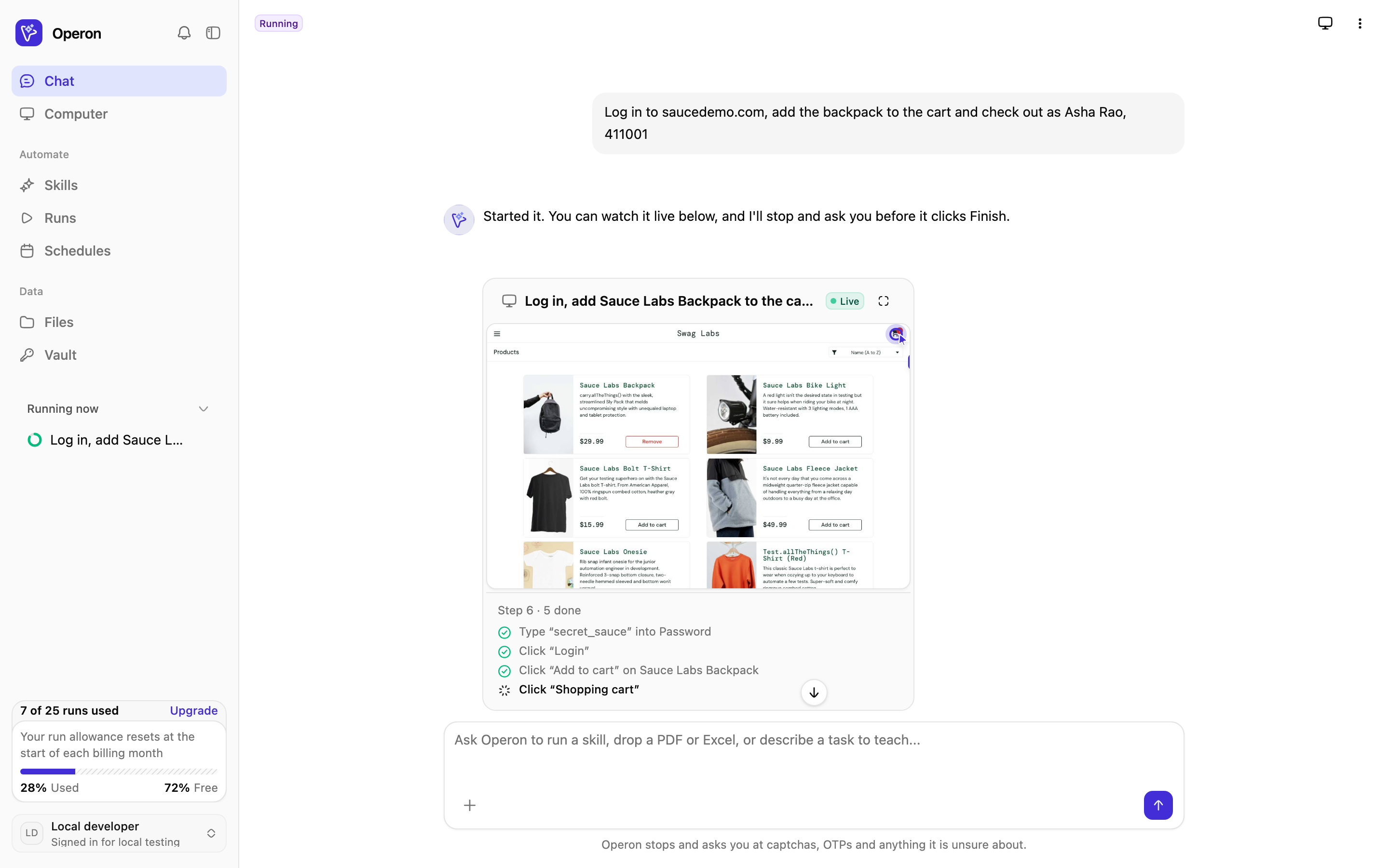
Runs stream into your chat with the AI cursor showing what Operon is about to click or type. Take over at any moment, then hand back.
- Live view in chat or full screen
- Step-by-step record after every run
- An email when it finishes, fails or needs you
Questions about this job
Straight answers about crm data entry with Operon.
Still have a question? Email us
Related reading
Related jobs Operon handles
Repetitive browser work, with you in control of anything final.
Hand off your first job today
Sign up, describe a browser job you do every week, and watch Operon do it. Save it as a skill when it works.